See how it works
What each plan adds, with screenshots. Napier Port Holdings is open in full on every plan, so you can try a whole profile: open it.
The mapStarter plan
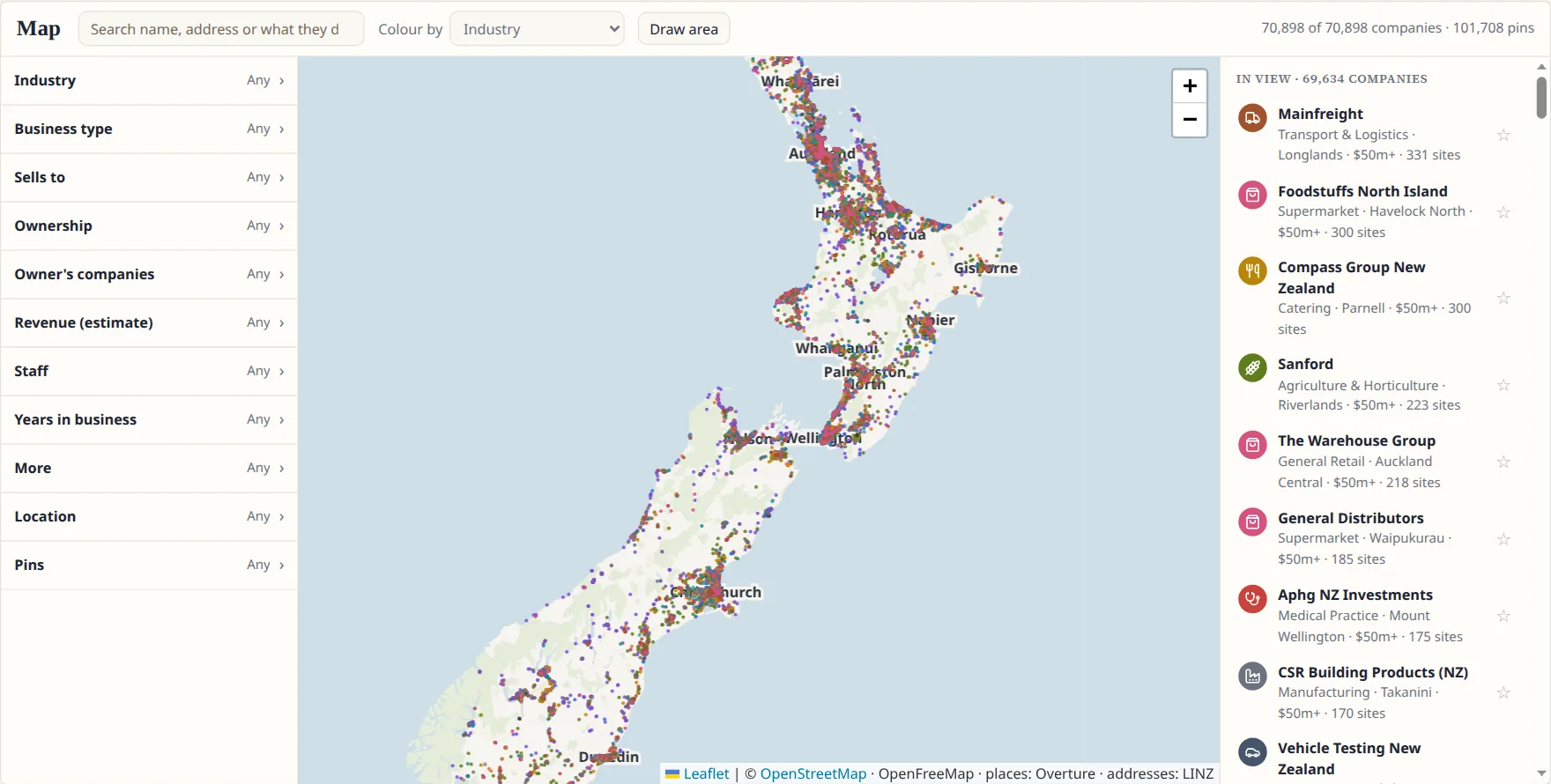
Every organisation on one map, coloured by industry. Filter by industry, owner type and size.
Drop a pin and pick a 5 to 45 minute drive or walk: see the businesses inside it and the households around it.
Draw an area to list who is in it. Starter includes 5 pin or area runs a week, Pro 100, Firm 200 each.

IndustryStarter plan
Pick an industry and see the main players ranked by number of sites, who owns each one, and their sites on the map.
Pro adds the revenue each player filed in its accounts.

Revenue bands and phone numbersStarter plan
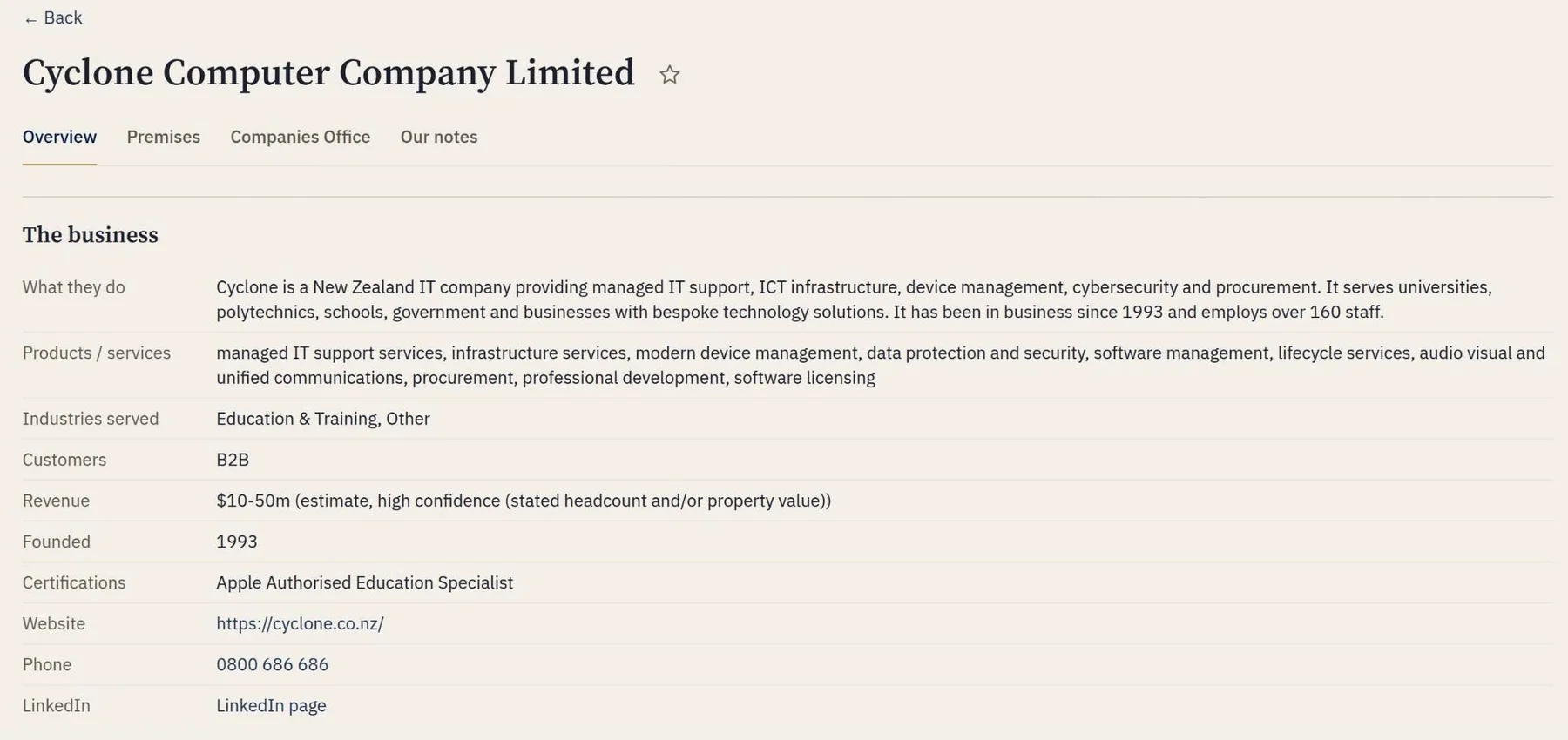
Each company’s revenue band, and the phone numbers on its own website.
Filter and sort the Organisations list by revenue band.
Saved companies, lists and alertsStarter plan
Save the companies you are looking at and put them on your own lists.
Save a search and come back to it. Tick “Notify me of changes” on a company to get an email when its directors, owners or name change, it files new accounts, or an insolvency notice names it.
Your own notesStarter plan
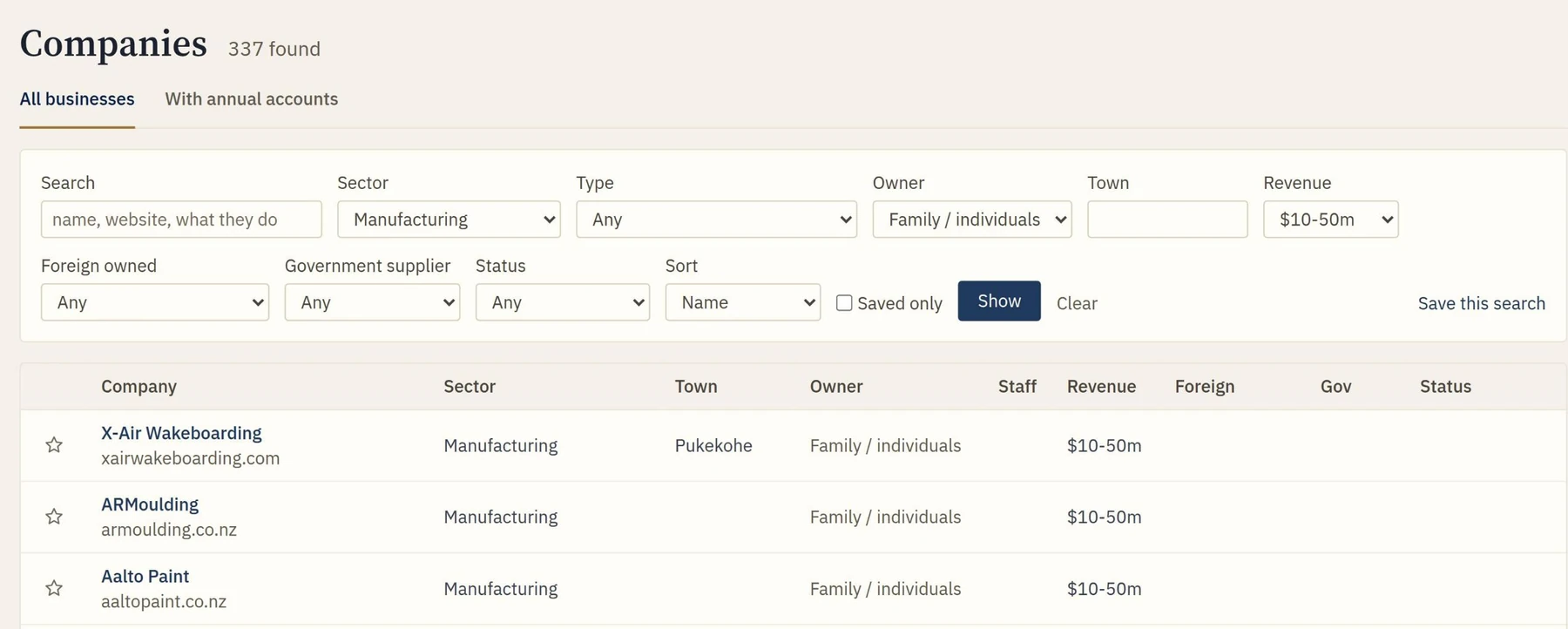
Keep notes and contacts on any company, and notes pinned to the map. Only you see them.
On the Firm plan your colleagues can see the notes you choose to share.
Search Financials and company financialsPro plan
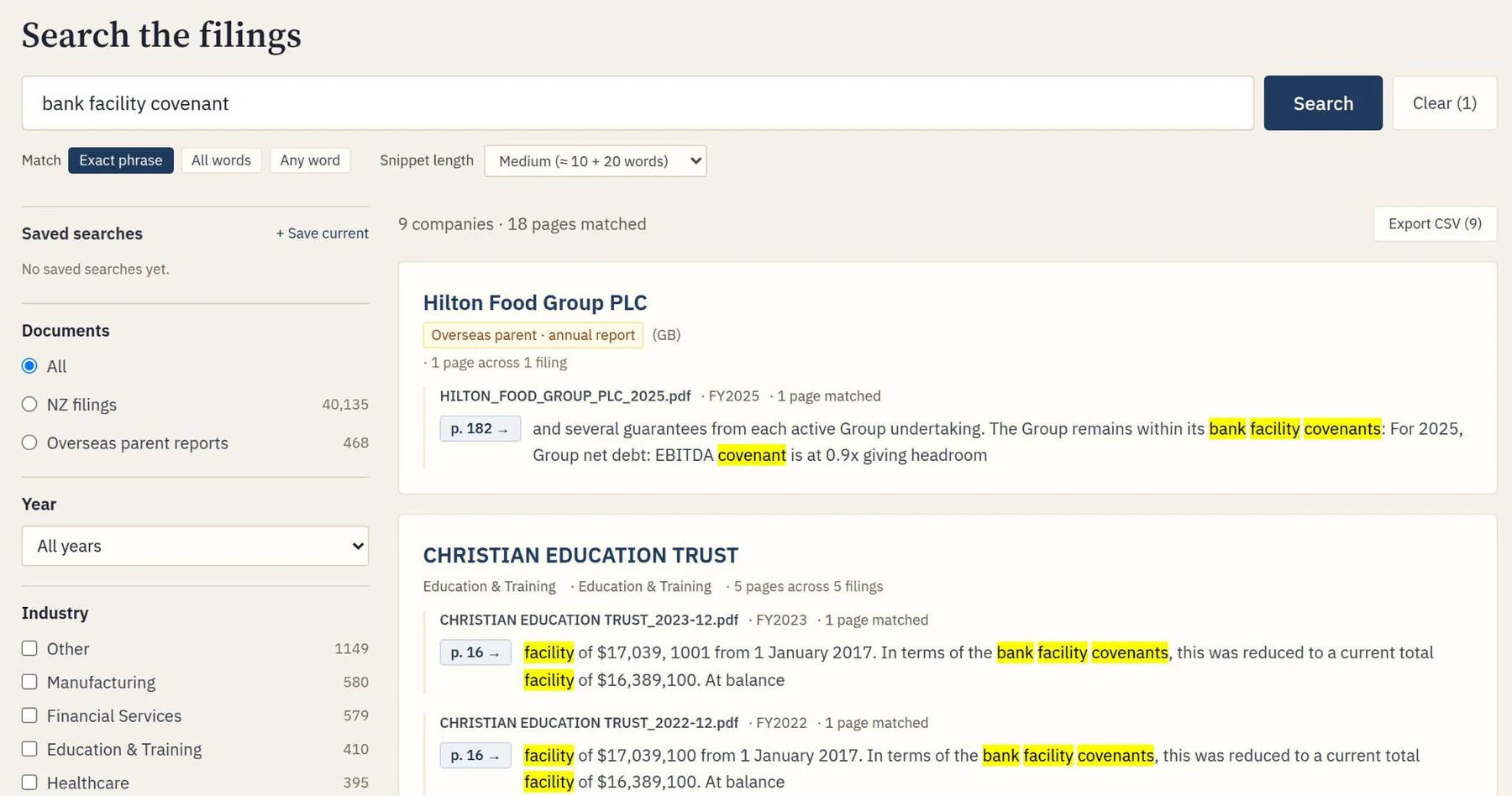
Search inside the annual reports organisations have filed: any phrase, such as bank covenants, going concern or acquisitions.
Figures from the accounts, year by year, with the page they came from, for the 2,300+ organisations read so far; the original filings for all 13,000+.
Work as a teamFirm plan
Shared notes and contacts, tasks with due dates, who in your team looks after each company, and a feed of what your colleagues are doing.
Each person keeps their own 3,000 companies a week.